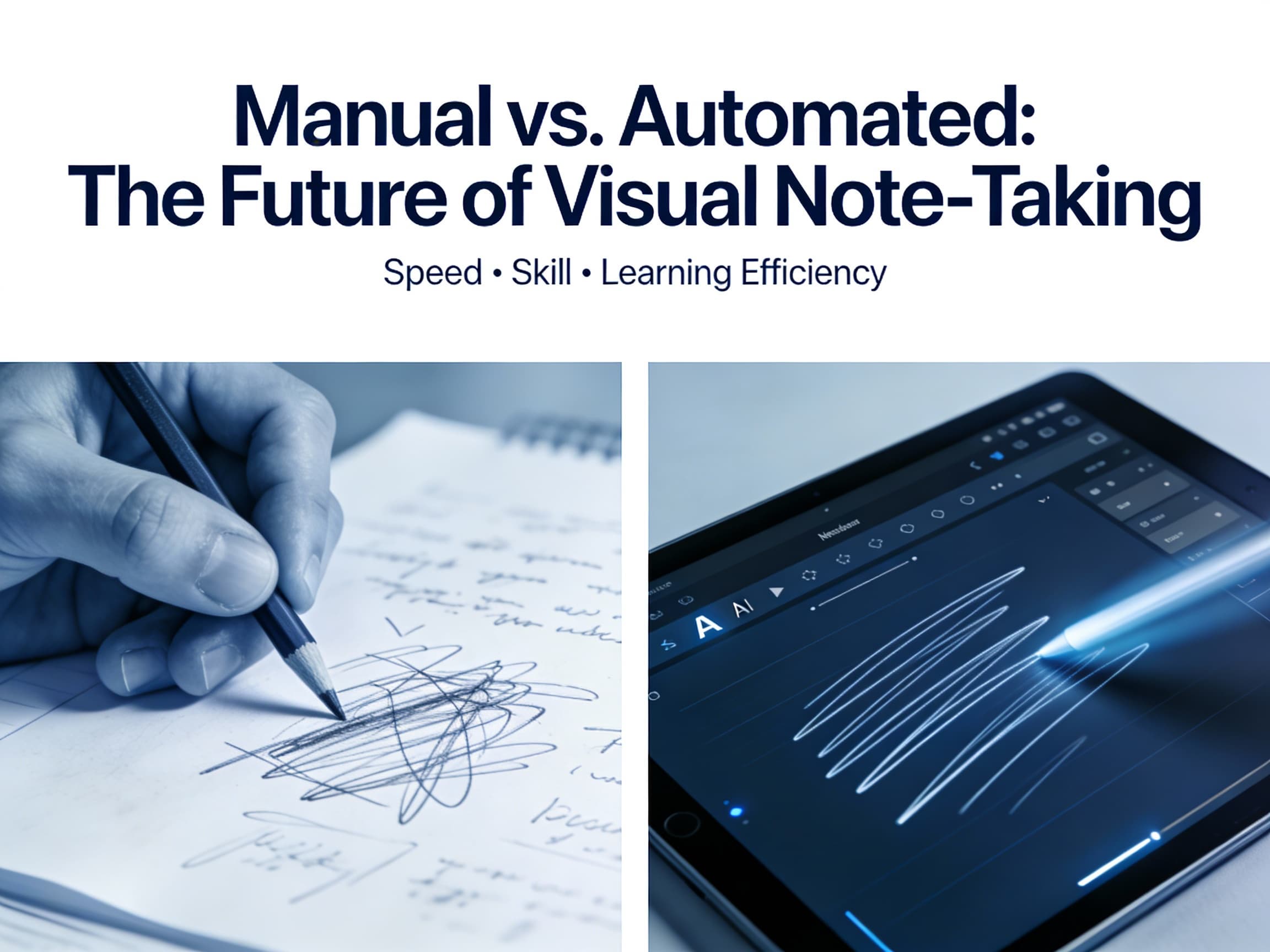
The Visual Bottleneck
We know visuals work. Our brains process images vastly faster than plain text. That's why sketch notes—a powerful blend of text and pictures—have exploded in popularity.
But there's a problem: Sketch noting is slow.
Traditional visual note-taking, while effective, requires immense effort, time, and, often, artistic talent. We are at a turning point. The future of widespread visual learning isn't about better pencils; it's about automation. We are shifting from sketch noting as an art form to a high-speed utility.
The State of Manual Sketch Noting (The Craft)
The pen-and-paper approach is deeply rewarding, but highly limited in today's fast-paced world.
Benefits
- Deeper Connection: The physical act of drawing enforces memory through the "hand-brain" link (haptics).
- Total Personalization: Complete creative freedom over every color and icon.
Limitations (The Pain Points)
- The Speed Barrier: It's impossible to listen to a 200-word-per-minute speaker and simultaneously draw a coherent visual summary. You miss critical information.
- The Skill Gap: The "I can't draw" mentality stops most people before they start.
- Zero Editability: Ink is permanent. Mistakes, reorganization, or updating a note means starting over. It's not a sustainable workflow.
The Rise of Automated Generation (The Scale)
Automated sketch note generation is the digital evolution. It uses AI to analyze text, key themes, and tone, converting information directly into structured, editable visual summaries.
Advantages
- Near-Instant Speed: Generate a full visual summary of a long article or recorded lecture in seconds, not hours.
- Democratization: Visual thinking is opened up to everyone, regardless of artistic skill. If you can type, you can create a sketch note.
- Iterative Workflow: You can edit the generated text, swap icons, change layouts, and correct mistakes instantly. This saves vast amounts of time.
Efficiency vs. Effort
| Criteria | Manual Sketch Noting | Automated Generation |
|---|---|---|
| Time Investment | High (Hours per detailed page) | Low (Seconds/Minutes) |
| Required Skill | High (Drawing, synthesis, listening) | Low (Typing or inputting text) |
| Cognitive Load | High (Simultaneously synthesizing & drawing) | Low (Focus only on reviewing and retaining) |
| Scalability | Zero (Must be created individually) | High (Can process endless documents/data) |
| Best For | Personal reflection, artistic expression | Productivity, learning, large content summaries |
Automation Is the Future
Automation is not here to kill creativity; it's here to handle the grunt work.
The goal of a note is to capture and retain an idea. If an algorithm can instantly visualize that idea—a process that would take a human an hour—the user is freed to spend their time acting on the insight rather than recording it.
Automation democratizes visual thinking. You no longer need to be an artist to think in pictures. This means visual summaries can become the default for daily productivity, learning, and communication, not just a niche skill.
Focus on insight, not ink.
While manual sketching will always be cherished for personal reflection, automation unlocks the true potential of visual note-taking for the masses. It makes visual learning scalable, fast, and universally accessible.
Don't let a lack of time or artistic skill stop you from thinking visually. Try Sketchnote.app today and turn your text into a sketch note in seconds.